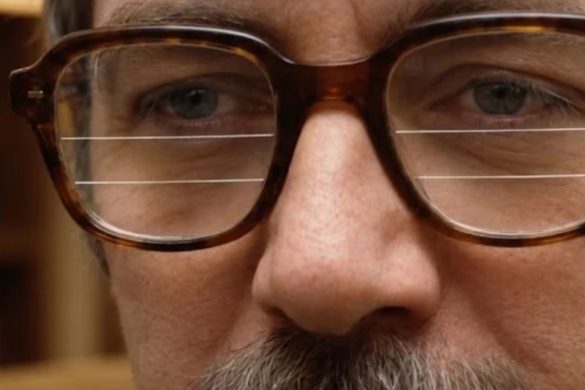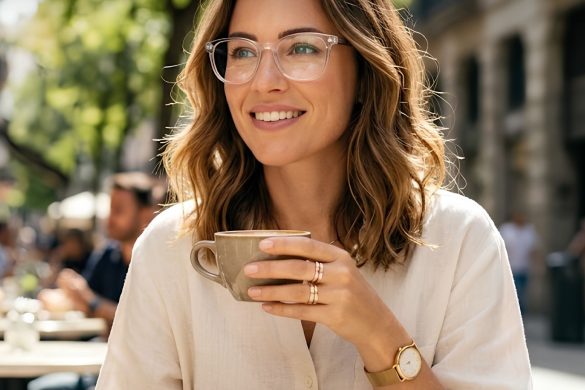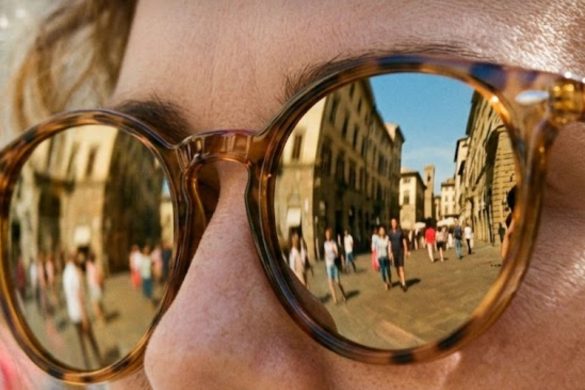
No, you’re not allowed to wear glasses in US passport photos, even if they’re your favorite pair you never leave the house without. You have to remove any glasses or sunglasses before taking the photo, and you can’t rest them on your head. That’s not all you need to know, though!
If you aren’t supposed to remove your glasses for medical reasons, you can include a signed note from your doctor with your passport application. Fortunately, most eyeglass wearers can safely remove their specs for long enough to take a photo. If your vision is very limited without glasses, the best solution is to keep them handy by putting them in a pocket or purse.
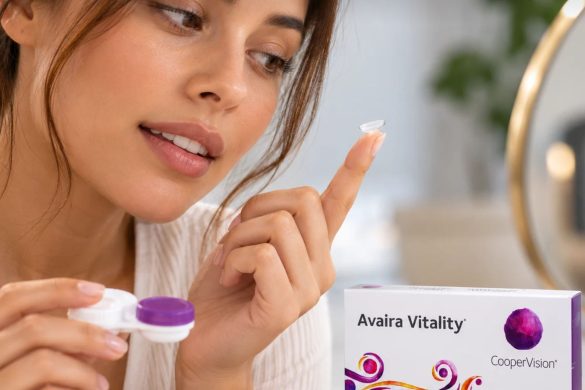
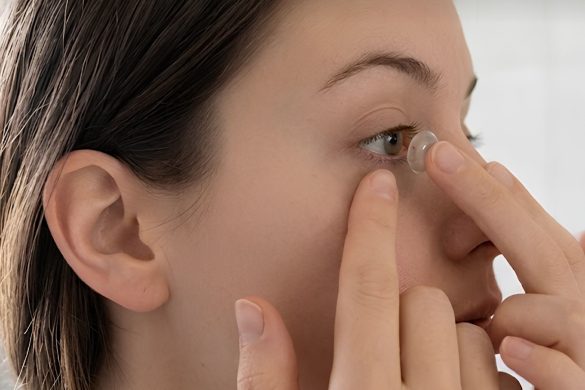
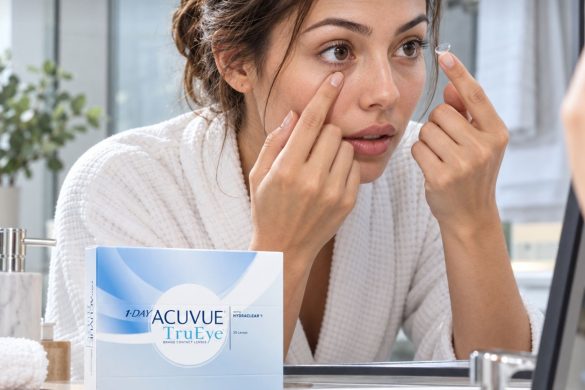
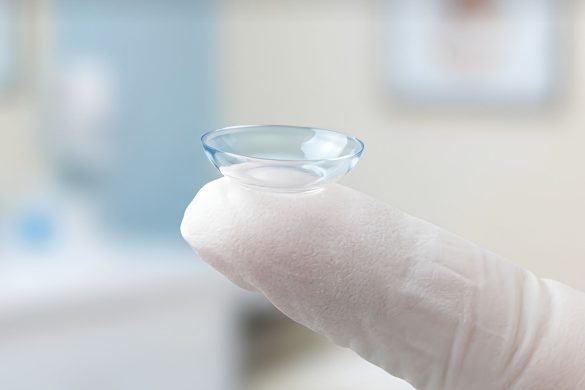
You can wear clear contact lenses for a passport photo as long as they don’t change the appearance of your natural eye color or cause glare/reflections in the photo.
Keep reading to make sure you’re prepared for your passport photo shoot.
At a Glance:
- You can’t wear glasses or sunglasses in a passport photo unless you have a note from your doctor stating that you can’t remove them for medical reasons.
- You can take your own passport photo or have one made at a retailer like CVS, Walgreens, or FedEx.
- Take passport photos on a white or light-colored background and use appropriate lighting to show your facial features.
- If you submit your own picture, it must have been taken in the last six months.
What to Wear in a Passport Photo
Passport photos are typically taken in front of a white or light-colored background, so it’s a good idea to wear dark or muted colors for contrast. The picture will be cropped, so wearing a shirt with a collar can help avoid the “floating head” look.
The State Department bans uniforms, camo, or outfits that look like a uniform for passport photos. You don’t have to remove jewelry or facial piercings unless they’re so large that they hide your face.
Hats and head coverings are also banned unless you regularly wear them for religious or medical reasons. In this case, you can submit a signed statement that the headwear is “religious attire worn regularly in public” or a note from your doctor regarding medical reasons.
Where to Get Your Passport Photo Taken
You have several options for getting a passport photo:
- Take one yourself. Just be sure to use a white or light-colored background, like a wall, sheet, or curtain. You should also use adequate lighting so your facial features are visible, and keep your eyes open. When posing, face the camera directly with a neutral face or “natural smile.” (I don’t know about you, but nothing makes me feel less natural than trying to act natural! Just do the best you can and avoid any exaggerated expressions.)
- Retail stores. A number of retailers, including the UPS Store, CVS, Walgreens, and FedEx stores, offer passport photos. Keep in mind that only some locations do passport photos, and they may or may not require an appointment. So if you’re interested in getting a photo at a local store, call or check online first to be sure they can accommodate you.
- U.S. Post Offices and other government buildings. Again, not every post office or government facility does passport photos, and some may require appointments, but you can check for locations in your area on the State Department website.
What About Pictures for Online Renewal?
In some cases, you may be able to upload recent digital photos when renewing your passport online. They must meet the following requirements:
- Pictures should be in JPG, PNG, HEIC, or HEIF format.
- They should be a minimum of 54 kilobytes and a maximum of 10 megabytes with dimensions of at least 600 x 600 pixels.
- Pictures of printed photos or scanned photos are not accepted.
- Your picture must have been taken in the last six months.
Why Did My Passport Photo Get Rejected?
This is a common concern. People often get frustrated when their passport photo is rejected—especially if they were planning on using their passport for an upcoming trip. Unfortunately, a returned photo can cause the process of acquiring a passport to take longer than expected.
Passport photos can be rejected for multiple reasons. To avoid unnecessary delays, keep these tips in mind:
- Use good lighting in your photo. Many pictures are rejected because of shadows or poor exposure.
- Follow advice about the background. Sometimes a photo will be rejected because the background is too dark or distracting. Again, a plain white or off-white background is best.
- Double-check the image size before submitting. If it doesn’t follow the requirements listed in the previous section, it’s likely to be sent back.
- Don’t use selfies. Ask a friend to take your picture or set up your camera on a tripod.
- Don’t digitally edit your photo. The State Department wants to see what you really look like, not the Instagram filter version of you.
- Don’t use contacts that modify your natural eyes, like prescription colored contacts.
FAQs
How often do you need to get a new passport photo?
The State Department’s rules say you need a new passport photo when you first obtain a passport, when you renew your existing passport (every ten years for adults), or if your appearance has significantly changed. Now, that doesn’t mean you need a new passport photo every time you change your hair or get a free makeover at the cosmetics counter. However, you do need one if you:
- Had major facial surgery or experienced major trauma/injuries to the face.
- Had a gender transition.
- Experienced an extreme weight change.
- Added or removed substantial facial tattoos or large facial piercings.
How long does it take to get a passport after submitting your photo?
It typically takes 4-6 weeks, so plan ahead. For an extra $60, you can get expedited processing, which usually takes 2-3 weeks.