Are you trying to buy glasses online with your insurance? Do you have questions about how to go about this process?
If you’re feeling stuck, I’ve got you. Let’s discuss how to order glasses online with insurance and the steps to follow.
Verify Your Vision Insurance Coverage
To begin, you’ll want to make sure to understand your plan and what’s covered. Before you start looking for glasses to buy online, reach out to your insurance company. Get the answers to these questions:
- Does your plan cover prescription glasses?
- How often can you buy glasses?
- This is typically every 12 or 24 months.
- How much of the cost is covered by your insurance?
- This can be a fixed dollar amount or a percentage of the eyeglasses’ cost.
- What type of lenses are covered? Are you covered for single vision, bifocal, or progressive lenses? Can you get them with special lens features, such as anti-glare coating and scratch-resistant coating?
- What are your out-of-network benefits? That is, can you buy from out-of-network retailers and have your insurance reimburse you for some or all of the cost?
The answers to these questions should inform your choice of retailer, frames, and lenses.
Once you know the eyewear covered and where you can get them, take note of your member ID and your insurance provider’s contact information. You’ll need this when ordering online.
Get Your Prescription Ready
Make sure your prescription is up-to-date, and have this data ready:
- Sphere (SPH): The lens power needed for each lens to correct nearsightedness and farsightedness, measured in diopters.
- Pupillary Distance (PD): The distance between the centers of your pupils, usually measured in millimeters. This is crucial for accurate lens placement.
If you have astigmatism, you’ll also need these numbers:
- Cylinder (CYL): The lens power needed to correct astigmatism, also measured in diopters.
- Axis: The orientation of the cylinder correction, measured in degrees.
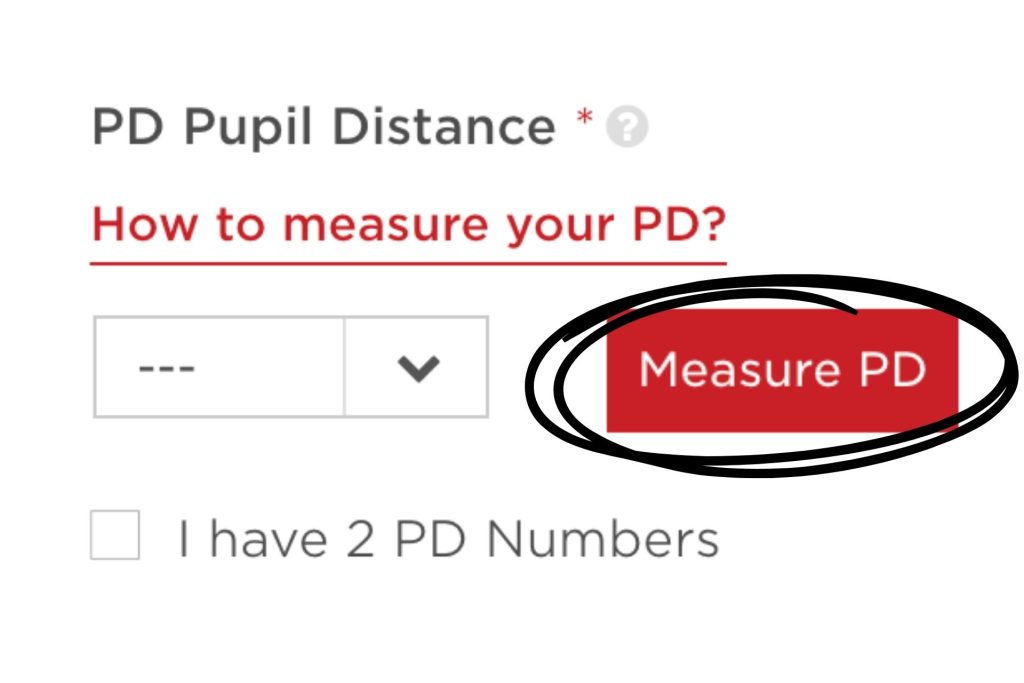
If you don’t have your PD, you can use online apps to measure your pupillary distance. EZContacts offers this feature; you’ll see this button under ‘Prescription Details’ on all our glasses pages:
Choose an Online Retailer
Next, choose your online retailer. Again, refer to your insurance details and confirm if you can buy from outside the insurance company’s network or if you’re limited to their network.
Select your retailer based on their online reputation and eyewear selection. Remember to check if they have a rewards or rebate program. If you’re buying corrective eyeglasses or lenses regularly, you might as well earn points for your purchases.
Some of your trustworthy online retailer options include EZContacts, Zenni Optical, and Warby Parker.
Note: Insurance companies may include a few online retailers in their in-network list. If you’re choosing a retailer that’s not on their list, play it safe and get in touch with your insurance company. Make sure they’ll cover your eyewear from out-of-network retailers.
Select Your Frames and Lenses
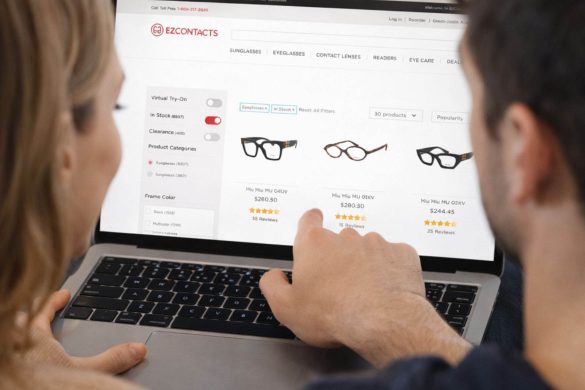
Now, the fun part! Start browsing and select your favorite frames.
Not sure if the style suits you? Do an online try-on.
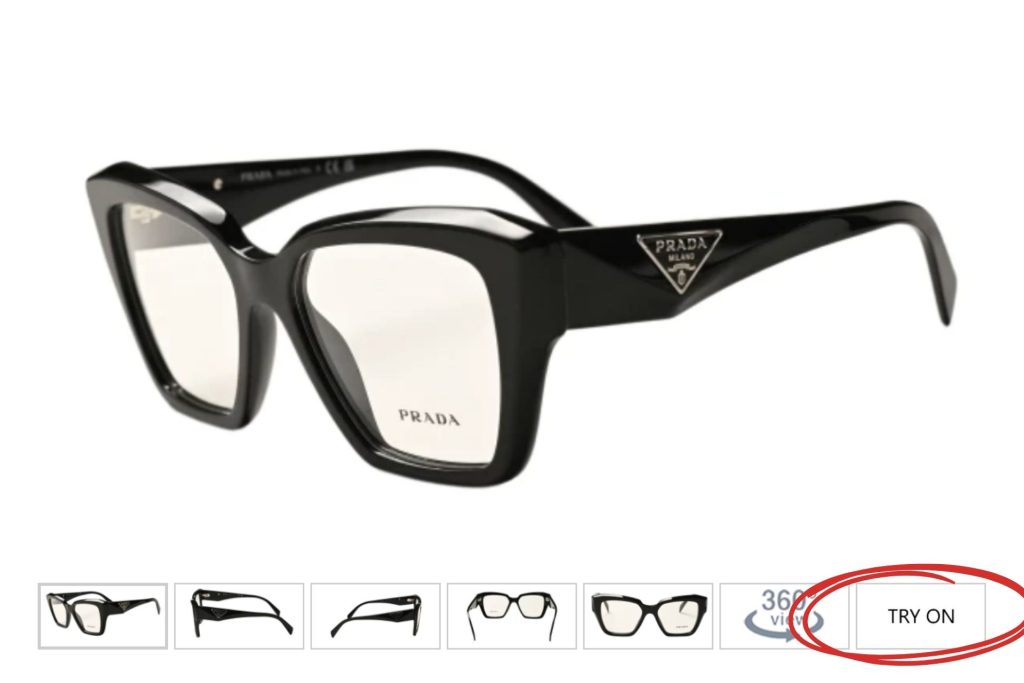
Also, remember that it’s not just about the style. Consider the material of your frames. You can find eyeglasses made from plastic, metal, and titanium. The material factors into the durability and weight of your eyeglasses.
Enter Your Prescription Information
This is when you bring out the prescription details I told you about earlier. Make sure you have your measurements ready, too.
Enter your prescription information into the online form and double-check for accuracy. Input your pupillary distance (PD) as well.
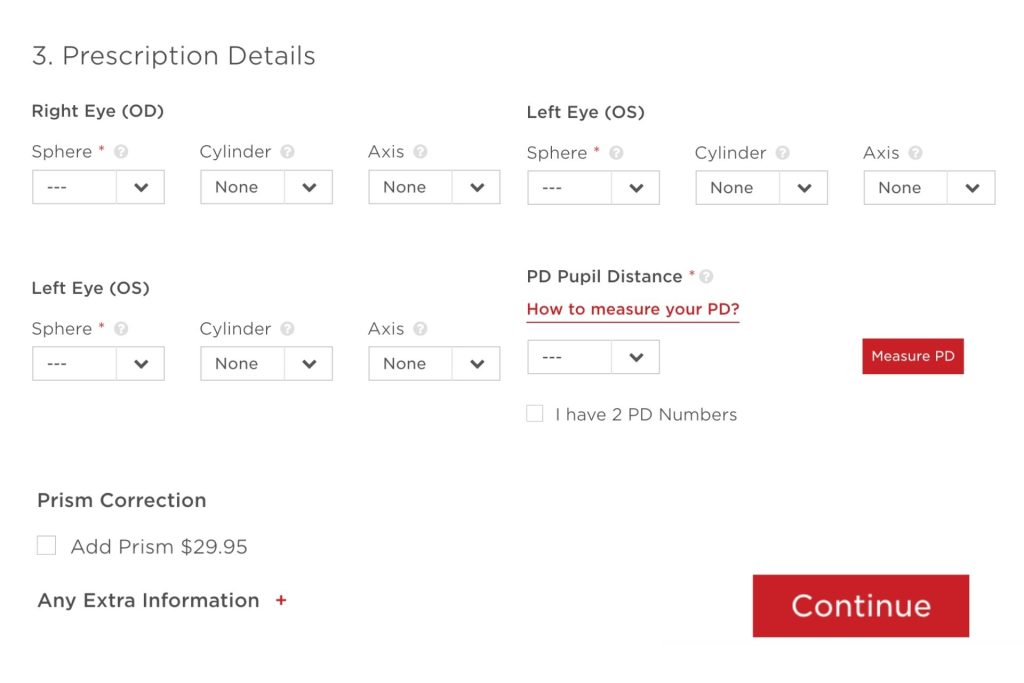
If you don’t have your PD, use the online app. ‘Click on the Measure PD’ button.
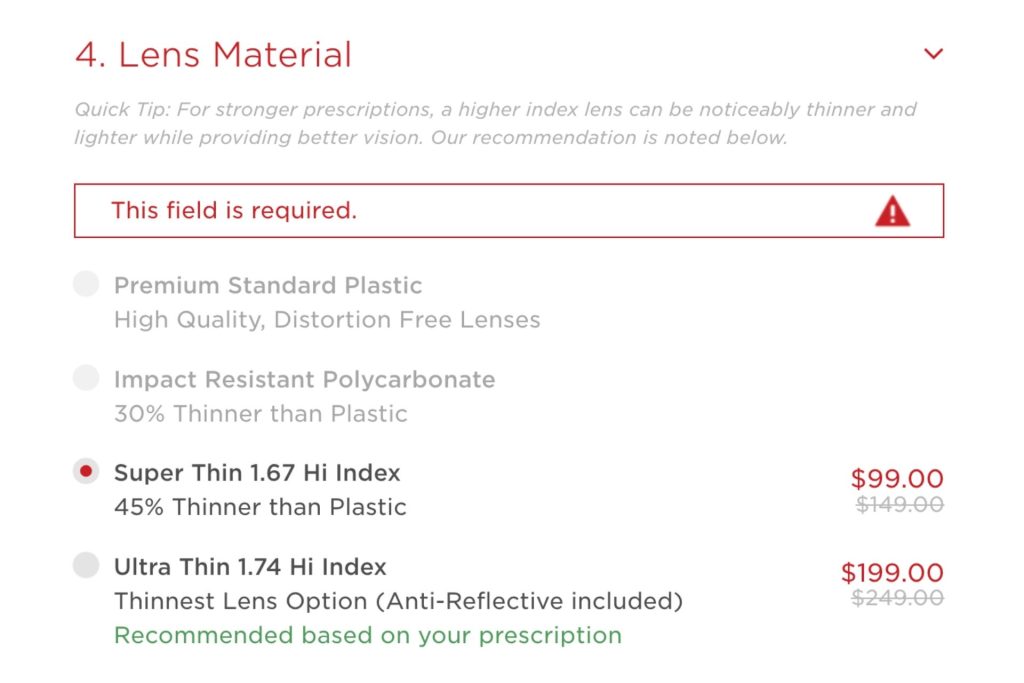
This is where you’ll choose your lenses and their features, too.
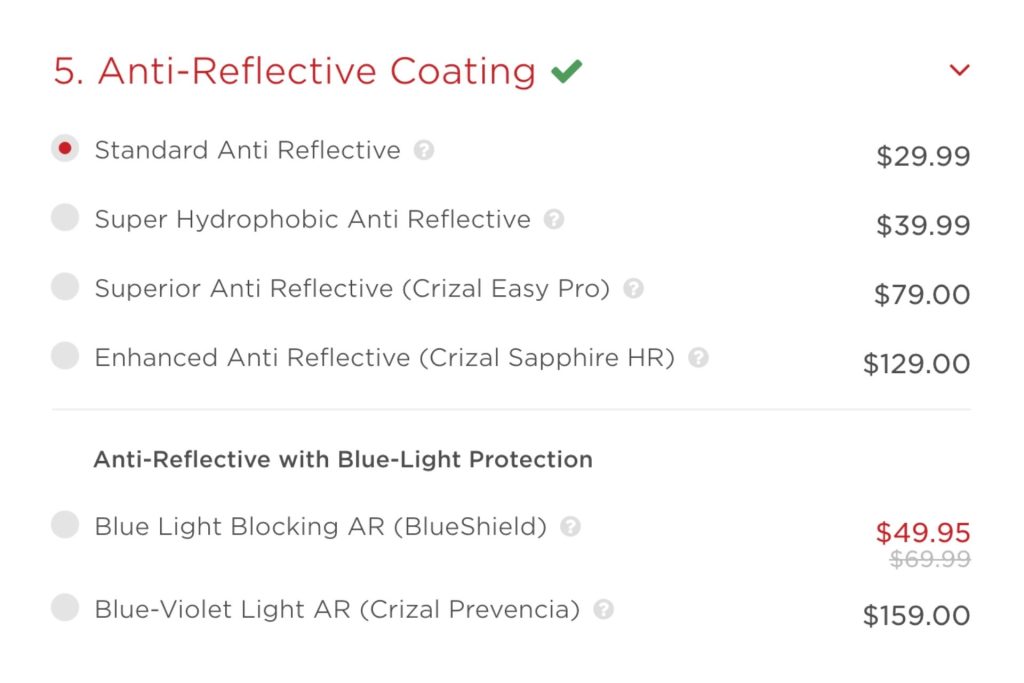
You can also decide if you’d like to add an anti-reflective coating.
Submit Your Insurance Information
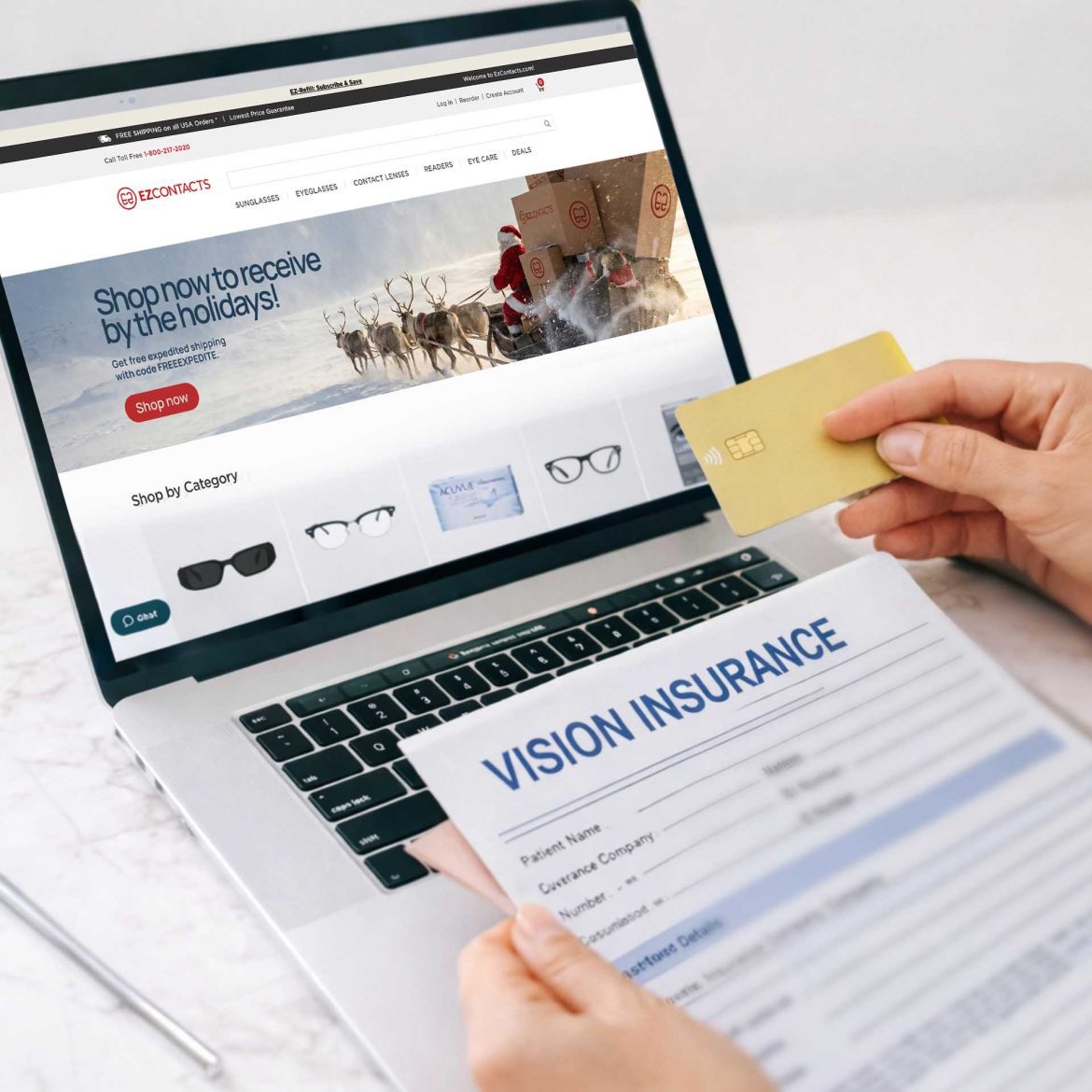
If you’re using an in-network retailer, you’ll typically submit your insurance information as you check out. This includes your insurance provider’s name, member ID, and other required information. You may also be required to submit a photo of your insurance card.
If you’re buying from an out-of-network retailer, like EZContacts, you’ll typically pay for your eyewear yourself and then get reimbursed.
Before you hit ‘purchase,’ make sure you’ll be reimbursed for out-of-network eyewear purchases. If you are eligible, the EZContacts team can help you. Fill out this form to provide the team with your insurance information. They’ll help begin processing your reimbursement.
Place Your Order

Finally, place your order. Before you hit ‘check out,’ double-check your prescription to ensure everything is correct.
Then, wait for confirmation that your order is being processed. Depending on the retailer, shipping could take anywhere from five to seven business days.
After You Receive Your Order
Once you receive your glasses, try them on to make sure you have the correct fit and prescription. You can always have your eyeglasses adjusted by your online retailer as long as it’s within the return and exchange period.
To make sure everything runs smoothly, always keep a record of your transactions. Reach out to your insurer and eyewear retailer if you have questions throughout your buying process. And, of course, always read the fine print.
Online eyewear retailers offer some of the most affordable eyeglasses options. Buying your glasses online with insurance shouldn’t be a complicated process. These tips will help make the process smooth, and they’ll help you find the right glasses for you.
TL;DR
- Buying prescription glasses online with insurance is possible and is typically an easy process.
- Just make sure you have an up-to-date prescription and your pupillary distance measurements with you.
- Ordering glasses online with insurance takes several steps. First, you’ll need to verify your insurance coverage. Then, prepare your prescriptions and PD measurement.
- Next, choose an online retailer, and choose your frames and lenses. Double-check if you’ll be able to use your benefits at this retailer. Once you’re ready, put in your prescription information and check out.
- When you get your glasses, try them on to make sure they fit and the prescription is right. If they don’t feel right, make sure to return them within the retailer’s return period.
- Keep a record of your transactions. Also, make sure to reach out to your insurance and eyewear retailer if you have any questions.