“Are There Glasses Just for Viewing Computer/Monitor Clearly?”
I was scrolling through Reddit on my laptop, and a post caught my attention. User Busy-Butterfly8187 was asking for eyewear recommendations for when she works on her computer. She wanted computer glasses, and not readers or blue light filtering glasses.
She began her post:
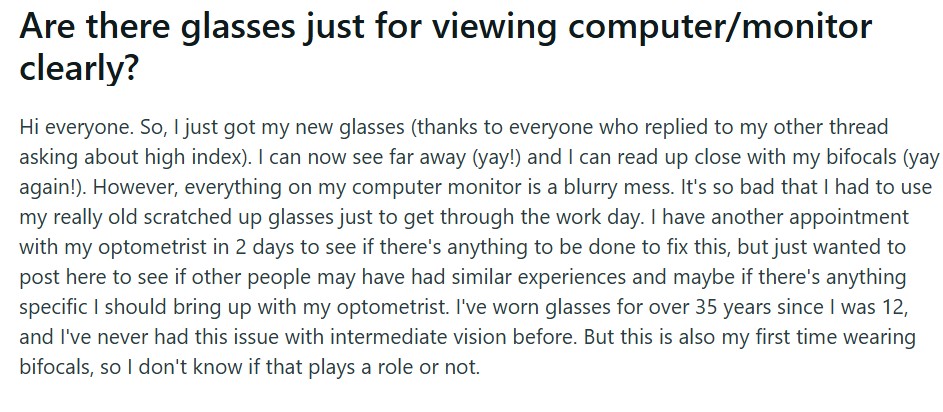
“Hi everyone. So, I just got my new glasses (thanks to everyone who replied to my other thread asking about high index). I can now see far away (yay!) and I can read up close with my bifocals (yay again!). However, everything on my computer monitor is a blurry mess. It’s so bad that I had to use my really old scratched up glasses just to get through the work day. I have another appointment with my optometrist in 2 days to see if there’s anything to be done to fix this, but just wanted to post here to see if other people may have had similar experiences and maybe if there’s anything specific I should bring up with my optometrist. I’ve worn glasses for over 35 years since I was 12, and I’ve never had this issue with intermediate vision before. But this is also my first time wearing bifocals, so I don’t know if that plays a role or not.”
After giving this backstory, she continued by asking if computer glasses would be right for her:
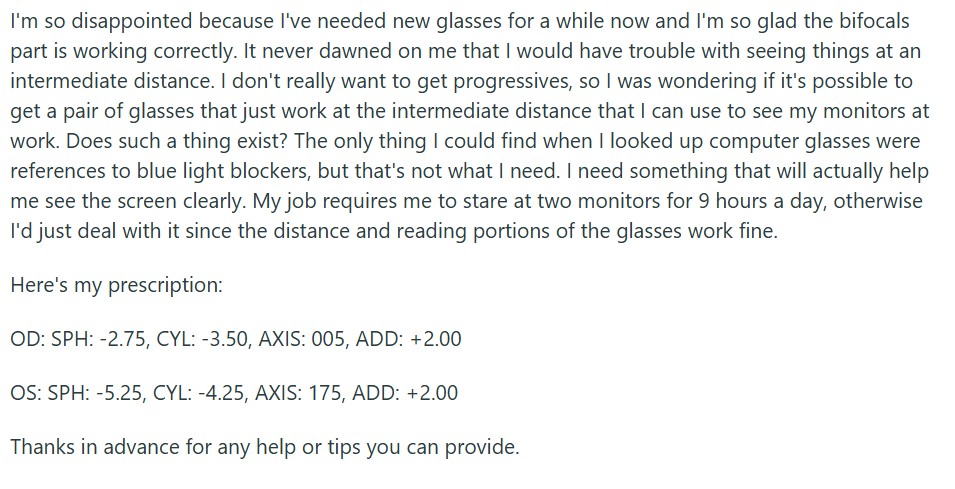
“I’m so disappointed because I’ve needed new glasses for a while now and I’m so glad the bifocals part is working correctly. It never dawned on me that I would have trouble with seeing things at an intermediate distance. I don’t really want to get progressives, so I was wondering if it’s possible to get a pair of glasses that just work at the intermediate distance that I can use to see my monitors at work. Does such a thing exist? The only thing I could find when I looked up computer glasses were references to blue light blockers, but that’s not what I need. I need something that will actually help me see the screen clearly. My job requires me to stare at two monitors for 9 hours a day, otherwise I’d just deal with it since the distance and reading portions of the glasses work fine.
Here’s my prescription:
OD: SPH: -2.75, CYL: -3.50, AXIS: 005, ADD: +2.00
OS: SPH: -5.25, CYL: -4.25, AXIS: 175, ADD: +2.00
Thanks in advance for any help or tips you can provide.”
The post was relatively straightforward. Busy-Butterfly8187 wants computer glasses advice, and she specifically excludes “blue light blockers” from her options. She also claims her new bifocals do not work for her intermediate vision needs.
I half expected the Reddit community to suggest a new bifocal prescription or a blue light lens upgrade for Busy-Butterfly8187’s reading glasses. But people actually agree on getting eyewear specific to computer use.
One user suggests getting an intermediate/computer RX or looking into progressive lenses:
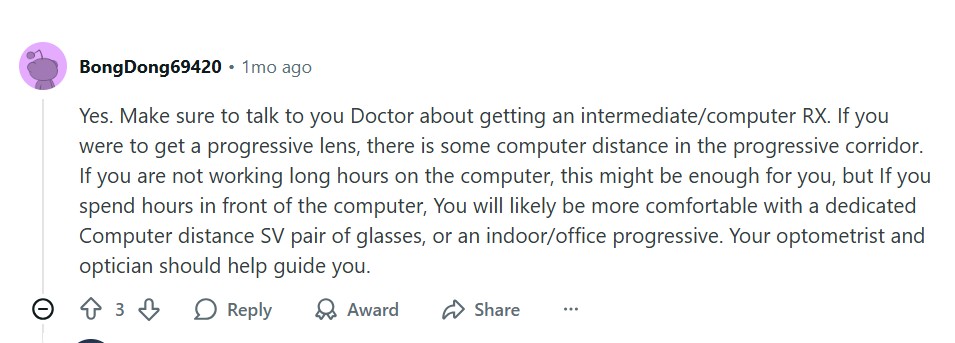
“Yes. Make sure to talk to you Doctor about getting an intermediate/computer RX. If you were to get a progressive lens, there is some computer distance in the progressive corridor. If you are not working long hours on the computer, this might be enough for you, but If you spend hours in front of the computer, You will likely be more comfortable with a dedicated Computer distance SV pair of glasses, or an indoor/office progressive. Your optometrist and optician should help guide you.”
Another Redditor suggests just getting cheap single-vision glasses for Busy-Butterfly8187’s computer work needs. This user says that this cheap eyewear works better than the progressive glasses with all the add-ons that they also have:
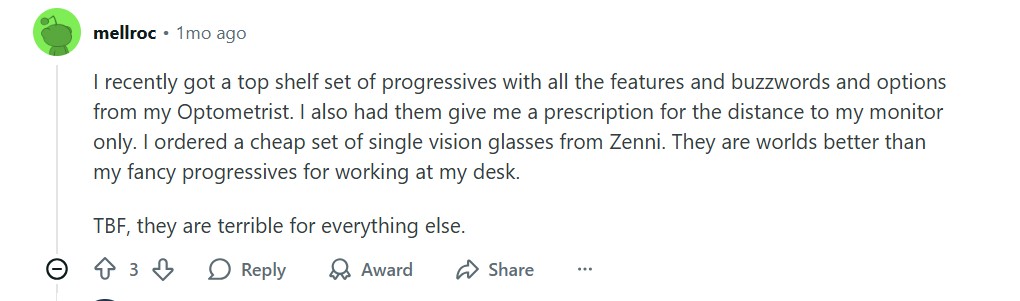
“I recently got a top shelf set of progressives with all the features and buzzwords and options from my Optometrist. I also had them give me a prescription for the distance to my monitor only. I ordered a cheap set of single vision glasses from Zenni. They are worlds better than my fancy progressives for working at my desk.
TBF, they are terrible for everything else.”
Another user follows up with an actual intermediate vision prescription. Unfortunately, this does not count as a real one. Busy-Butterfly8187 still needs to see her doctor for one she can actually use:
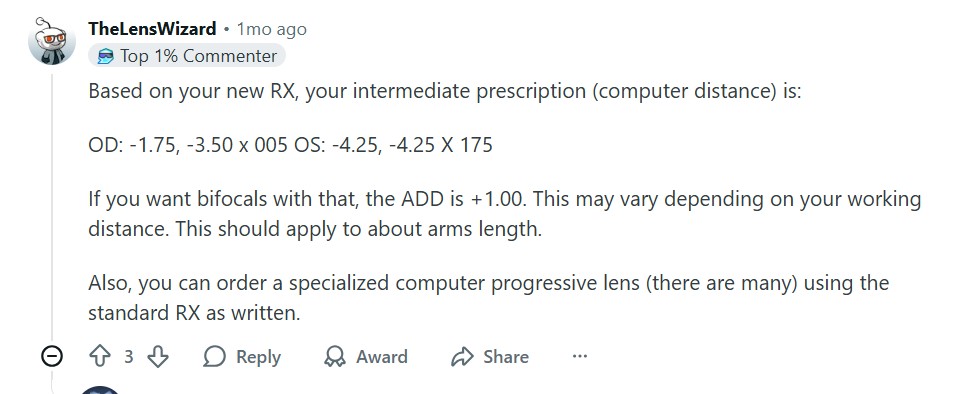
“Based on your new RX, your intermediate prescription (computer distance) is:
OD: -1.75, -3.50 x 005 OS: -4.25, -4.25 X 175
If you want bifocals with that, the ADD is +1.00. This may vary depending on your working distance. This should apply to about arms length.
Also, you can order a specialized computer progressive lens (there are many) using the standard RX as written.”
Which begs the question: Are computer glasses really the best option at this point?
What Are Computer Glasses?
Office Worker Smiles While Working at Her Computer
Computer glasses are eyeglasses that are specifically designed for doing computer work. Your eye doctor will test you and prescribe the lens power that’s best for seeing items that are 20 to 26 inches away. They might even suggest lens add-ons, such as blue light filtering and anti-glare technology, to help improve your computer screen experience.
The primary purposes and features of computer glasses are:
To provide vision correction for distances specific to typical computer use.
To improve visual clarity through the anti-glare lens feature.
To ease the discomfort from prolonged screen use. These help you maintain a natural head position with no need to lean in.
To reduce potential eye damage by filtering out the blue light emitted from screens. (That is, if you get the blue light filtering upgrade.)
Let’s compare computer glasses to two common alternatives: reading glasses and blue light filtering glasses.
Computer Glasses vs. Reading Glasses
Your reading glasses prescription may not work well with your computer setup. Standard reading glasses are designed for a closer distance than your computer monitor. Because of that, if you wear reading glasses while working on your computer, you may have to lean forward frequently. This could lead to potential neck pain or eye strain.
Computer Glasses vs. Blue Light Filtering Glasses
Blue light filtering glasses work great when you’re constantly exposed to digital screens, such as computer screens. However, these aren’t really specifically calibrated according to the lens power that you need to see better at certain distances. Blue light lenses are a good upgrade if you decide to get computer glasses.
Do You Need Computer Glasses?
Man Leans in as He Works on His Laptop
Computer glasses benefit certain niches best:
Office workers
Students
Gamers
These groups are more likely to have specific computer setups (a desk, chair, and computer system) that they work at for long periods of time each day. If you find yourself leaning in to see your computer screen more clearly, then you may need computer glasses.
Note that needing computer glasses is different from suffering from presbyopia. Presbyopia is an age-related eye condition where you require corrective help to see close-up objects. While these objects can include your computer screen, these two conditions are not the same. You need to see your doctor to see if you need one or both of these types of glasses.
Wear computer glasses when using your computer to see better at a comfortable distance without straining your eyes and neck. The glasses can also lessen visual discomfort, which can help you with your focus and concentration.
In any case, even if you don’t belong to any of these groups, assess your current computer setup and use. If you experience consistent eye discomfort because of computer use, it might be time to see your eye doctor.
Alternatives to Computer Glasses
Before investing in computer glasses, you can try out some alternative strategies to help with your computer use needs.
Take care of your eyes, especially as you do computer work (or play):
If your eyes’ natural lubrication or tears are not enough, get artificial tears eye drops. Use them whenever you feel your eyes drying up.
Improve the air quality of your workspace. Try using a humidifier to add moisture to the air.
Practice the 20-20-20 rule. Every 20 minutes, stop looking at your computer. Look 20 feet ahead for at least 20 seconds instead.
You can also try adjusting your work setup:
Adjust screen settings. Try making the text larger and adjusting the brightness to see if this makes a difference for you.
Position the computer monitor at eye level to help maintain a neutral neck position.
Adjust your sitting position. Try not to slouch while working at your desk.
If you go back and forth from the computer screen to a printed document in front of you, try using an adjustable document holder. Adjust this to be at your eye level.
Small adjustments to your work habits and conditions can make a difference in how you see things. If you’ve tried these strategies and still have issues seeing your computer screen clearly, book an appointment with your eye doctor.
TL;DR
Computer glasses are eyeglasses specifically designed for computer use, so you can see better from 20 to 26 inches away.
Reddit user Busy-Butterfly8187 asked for recommendations and complained that she couldn’t see her screen clearly using her reading glasses. The community agreed that computer glasses might be her best option.
If you find yourself in front of your computer for extended periods of time every day, you might benefit from computer glasses.
Computer glasses are different from bifocals and blue light filtering glasses.
There are alternatives to computer glasses that you can try first to help alleviate eye strain and any discomfort from working in front of your computer.
When all else fails, consult your eye doctor. See if you need computer glasses, reading glasses, or both.
I cover eyewear news, emerging trends, and industry developments. I have a Bachelor’s degree in Economics, and I’ve worked for Yapak Travel Online, Great Lakes Family Magazine, Echoes Magazine, and R & G Publication. I’m a PADI Master Scuba Diver, and when I’m not writing, you’ll typically find me below the sea.