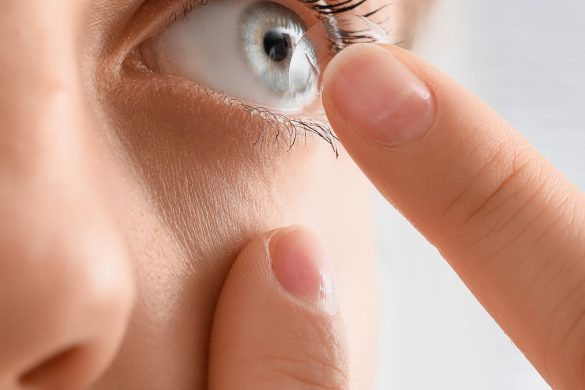
Wondering about what the ‘BC’ and ‘DIA’ mean on your contact lens prescription? I’m here to help.
BC stands for base curve, and DIA stands for diameter. But what does that mean exactly, and how do these measurements factor into how contact lenses fit? Let’s dive in.
Base Curve (BC) x Diameter (DIA)
Your base curve (BC) and diameter (DIA) are core measurements that factor into lens fit. You need to know these measurements when you buy your contacts.
On lens packages, the base curve is written as BC, or BOZR (Base Optic Zone Radius). It refers to the curvature of the back surface of your contacts, and it is measured in millimeters (mm).
This measurement should be the same as the curvature of your cornea. Typically, this could be anywhere from 8.0 to 10 mm.
The diameter (DIA), on the other hand, is the measurement of the total width of the contact lens. It’s also measured in millimeters. For soft contact lenses, this would typically range from 13.8 mm to 14.5 mm. Lens diameter is a way to ensure that the contact covers your entire cornea.
Interpreting the BC
A larger BC number, such as 9 mm, tells you that the contact lens has a flatter curve. Thus, it is a good fit for people with flatter corneas.
If the BC measurement is small, such as 8.4 mm, the lens has a steeper curve. It would fit those with steeper corneas.
You want contact lenses that stay securely on your cornea without being too tight or too loose.
Interpreting the DIA
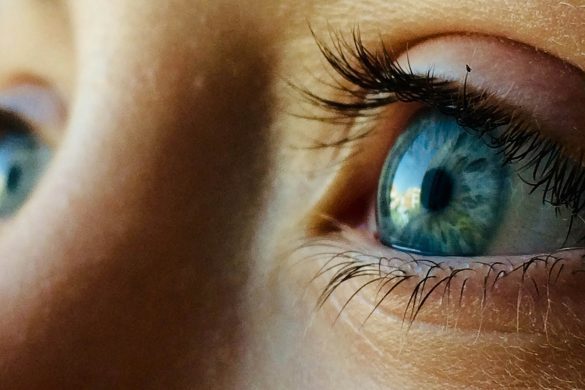
The colored part of your eyes is your iris. Its horizontal diameter is denoted as HVID, or Horizontal Visible Iris Diameter.
The ideal DIA for lenses is around 2.0 mm to 2.5 mm larger than your HVID. This ensures that the lens stays in the center and is stable.
Sagittal Depth: The Key to a Proper Fit

BC and DIA are listed separately on your prescription. Combine these two, and you get your sagittal depth, which is the lens’ height from the center of its diameter. Your sagittal depth is then the “vault” of the lens.
Signs of Poor-Fitting Contact Lenses

You want to ensure your contacts fit properly. An improper fit has consequences, including discomfort. You may also experience vision problems and even serious long-term complications, such as corneal ulcers (open sores in the cornea).
Here’s what could potentially happen with an improperly fitting contact.
Steep/Tight Fit
A lens is steep if its BC is too low (steeper curve) for your eye’s curvature or the DIA is too large for the eye’s HVID.
Symptoms
The lens may feel tight. It also doesn’t move around when you blink. This can increase the pressure around the eyes and may even cause a red circle around the lens edge.
Consequences
A tight fit can get in the way of the proper production and flow of tears under the lens. This leads to a condition called “sealed fit,” which reduces the amount of oxygen and nutrients that go into the cornea.
When this happens, you risk depriving your eyes of oxygen. You may even experience swelling and infection. It can also be difficult to remove the lenses.
Flat/Loose Fit
A lens is considered too flat when its BC is too high for your curvature or its DIA is too small for your eye’s HVID.
Symptoms
The lens may move too much when you blink. It may also go off-center often, and you become more sensitive to the lens’ edge because of this. Your vision clarity is compromised. Your sight may blur with each blink. In the worst-case scenario, blinking could dislodge your contacts.
Consequences
Excessive movement and a loose fit can cause irritation or abrasion to the cornea. Likewise, because the lens is unstable in your eyes, the quality of your vision fluctuates.
The Role of the Eye Care Professional
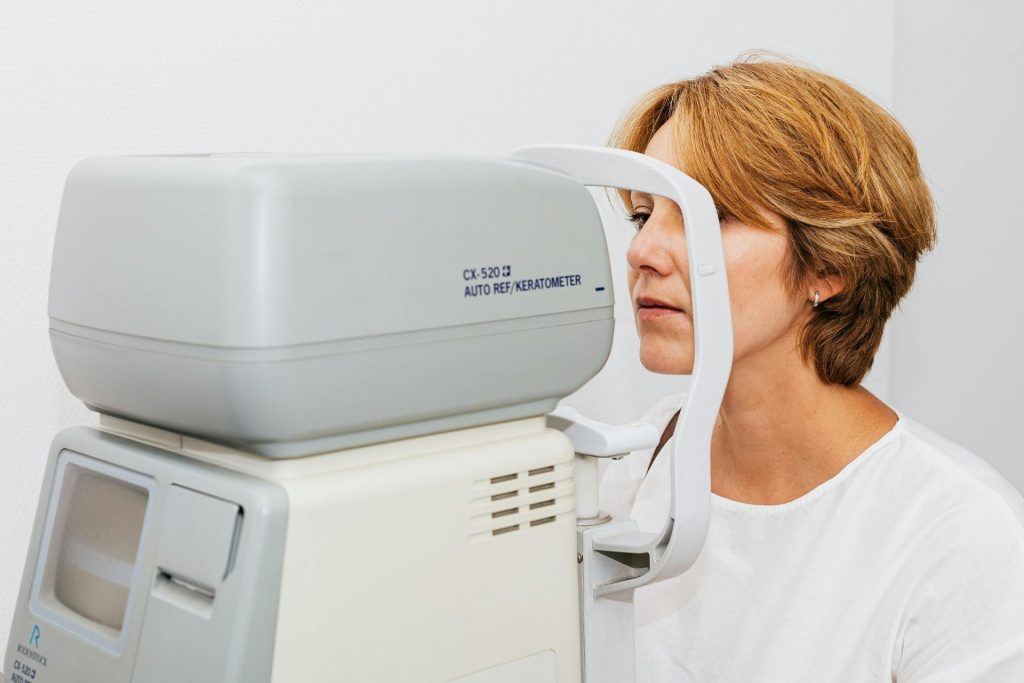
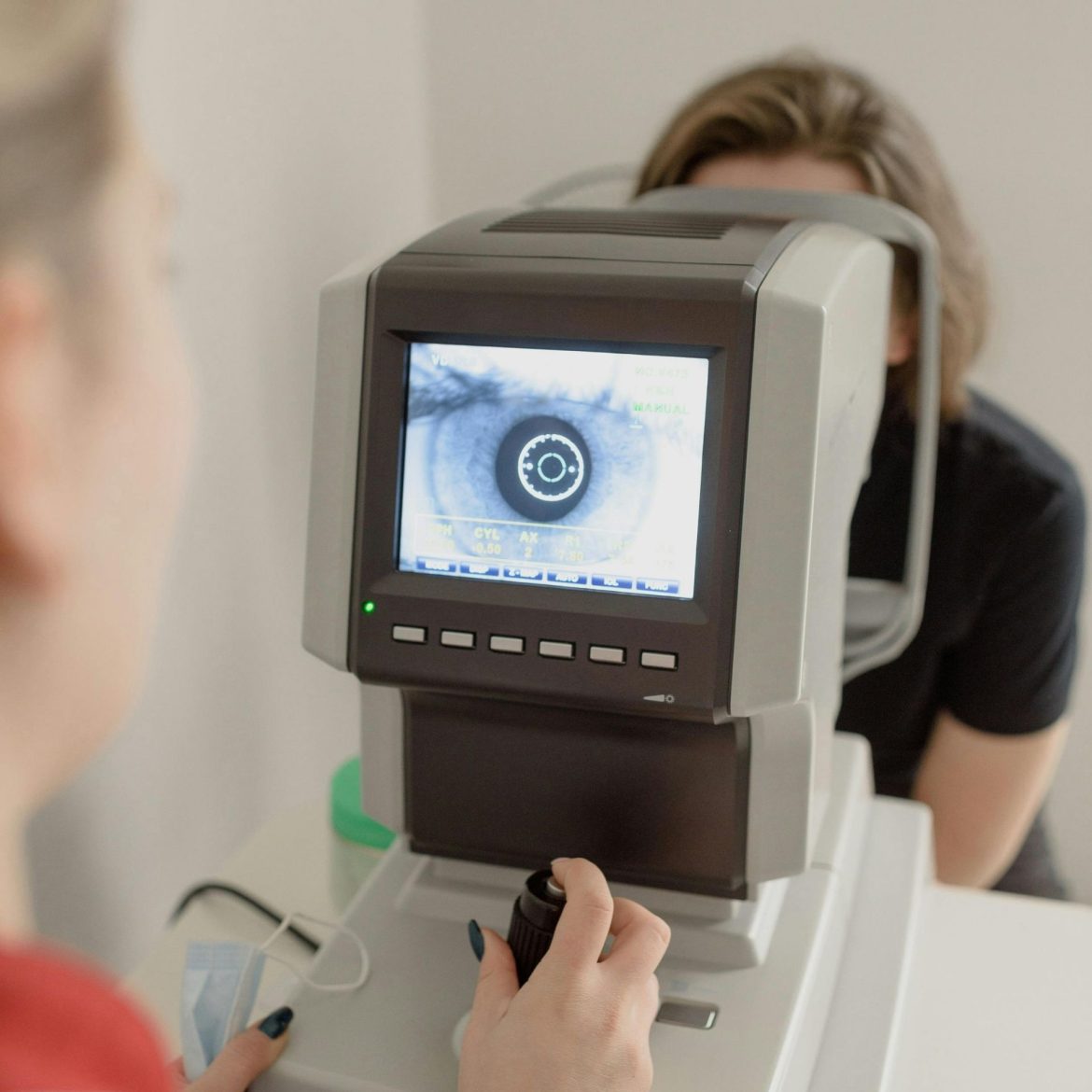
Your eye doctor or optometrist is there to provide you with a precise prescription. They’ll provide you with your base curve and diameter measurements. They use specialized instruments, such as the keratometer and corneal topographer, to find these measurements.
This is done through a proper lens fitting session. A trial and assessment process follows your initial fitting.
Diagnostic Trials
Your doctor will select trial lenses that match your specific BC and DIA values, following the range/parameters suggested by the lens manufacturers.
In-Eye Assessment
You are made to wear the lens, and the fit is assessed using a slit lamp microscope. Your doctor assesses the lens’s dynamic fit. They’ll look at its movement when blinking, how it stays at the center of your pupil, and the amount of lag (horizontal movement) it exhibits.
Adjustments
If the fit is too loose or too tight, your doctor may adjust the parameters. Here, the prescribed DIA may be adjusted first, as the diameter plays a more significant role in the fit of soft lenses.
To loosen a tight-fitting lens, the DIA may be decreased, or the BC may be increased. To tighten a loose fit, the DIA may be increased, or the BC may be decreased.
Once the adjustment is done, you should have your precise lens measurements. Only buy contact lenses that fit these measurements.
TL;DR
- Understanding lens fit, as measured mainly by your base curve (BC) and diameter (DIA), leads to a better contact lens experience.
- Base curve (BC) is the millimeter measurement of the curvature of the back surface of the lens.
- Diameter (DIA) is the edge-to-edge horizontal width measurement of the lens.
- Sagittal depth is the BC and DIA taken together, and it refers to the “vault” of the lens.
- A tight lens could be hard to remove. This could result in less oxygen reaching your iris.
- A lens that’s too loose might get dislodged. You also feel discomfort and compromised vision from too much movement.
- See your doctor for a proper lens fitting to get your precise measurements.